
Extract
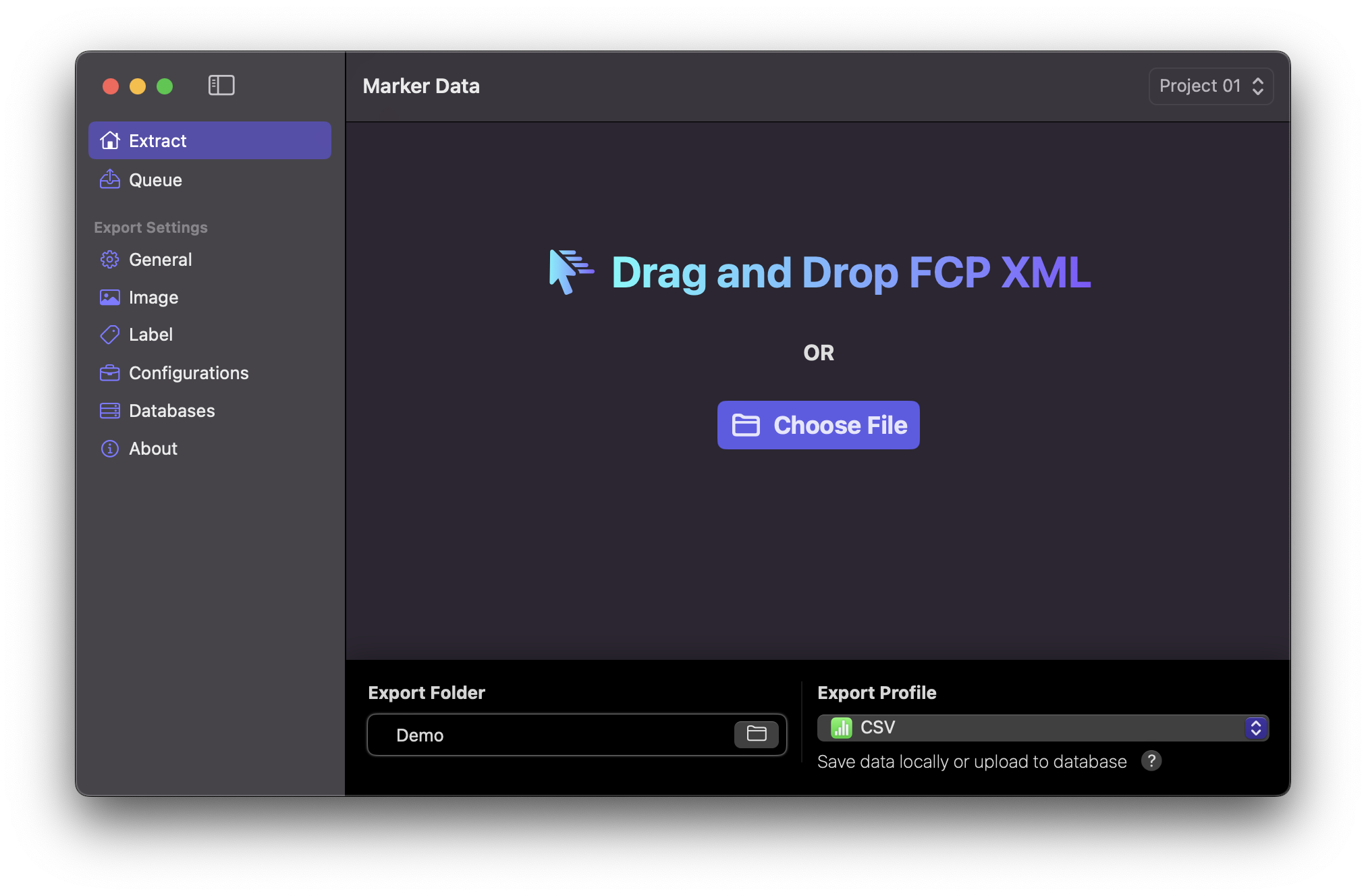
Marker Data facilitates the execution of an extraction task through two distinct methodologies: an automated approach via Share Destination and a manual alternative. Following the creation of your Configuration, you have the option to either seamlessly drag and drop an .fcpxmld or .fcpxml file or by clicking the Choose File button.
Info
Export your timeline from Final cut Pro in .mov or .mp4. Place it in the same location as your .fcpxmld or .fcpxml file. Make sure your .fcpxmld or .fcpxml and media file have identical filename.
Info
Export Profile is tied to the corresponding preference in the General Settings. Upon modifying this option, it is imperative to execute the keyboard command ⌘ s to effectuate Update Active Configuration before embarking on any subsequent tasks.
Drag and Drop
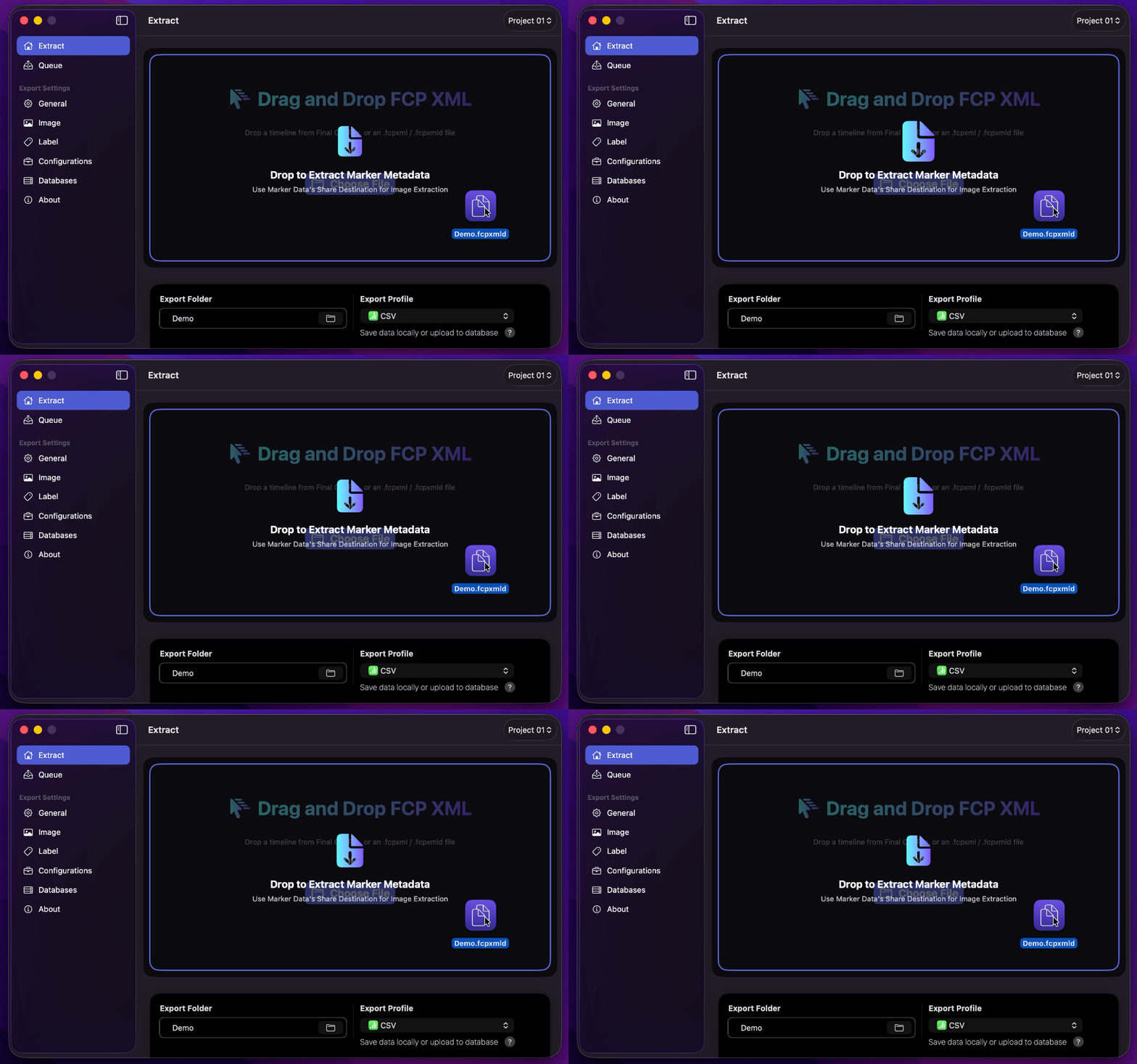
Drag and drop an .fcpxml or .fcpxmld file onto Extract, or drag a timeline / compound clip directly from Final Cut Pro. You may also use a Finder text clipping that contains FCPXML.
Alternatively, click Choose File or press ⌘ O to select a file.
Info
Marker Data processes one FCPXML project per action. If multiple items are offered at once, only the first item is used.