# Marker Data

The avant-garde Marker extraction application crafted for [Final Cut Pro](https://www.apple.com/final-cut-pro/). It allows users to extract, convert and create databases from Final Cut Pro’s Marker metadata effortlessly.
## Core Features
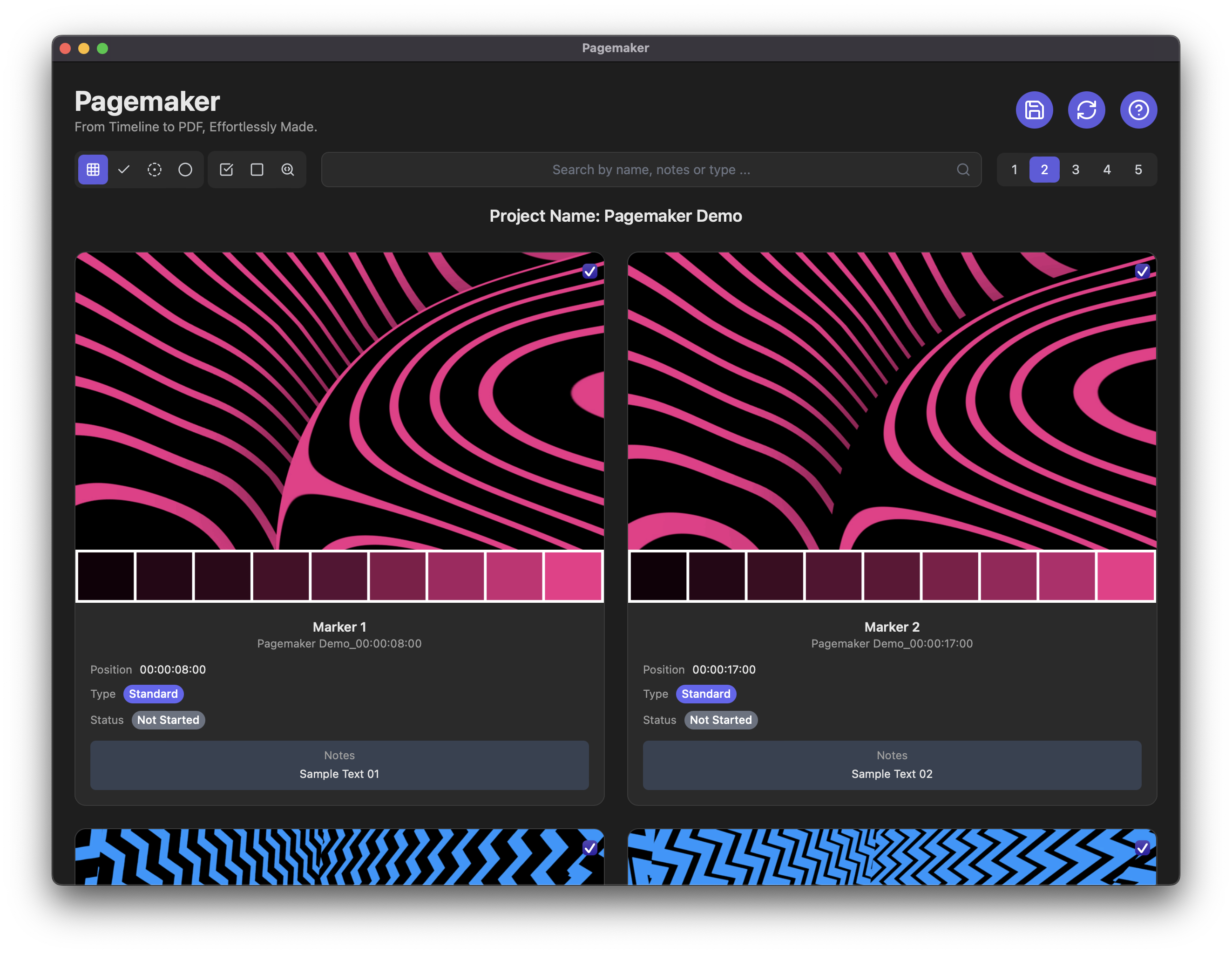
- Functionality allowing batch extraction and rendering of stills or animated GIFs based on each Marker's timecode.
- Automatically analyse and embed colour swatches from extracted images for shot reference.
- Integrates with Final Cut Pro, boasting a native Share Destination & Workflow Extension.
- Precise extraction of Markers, ensuring an accurate representation of metadata.
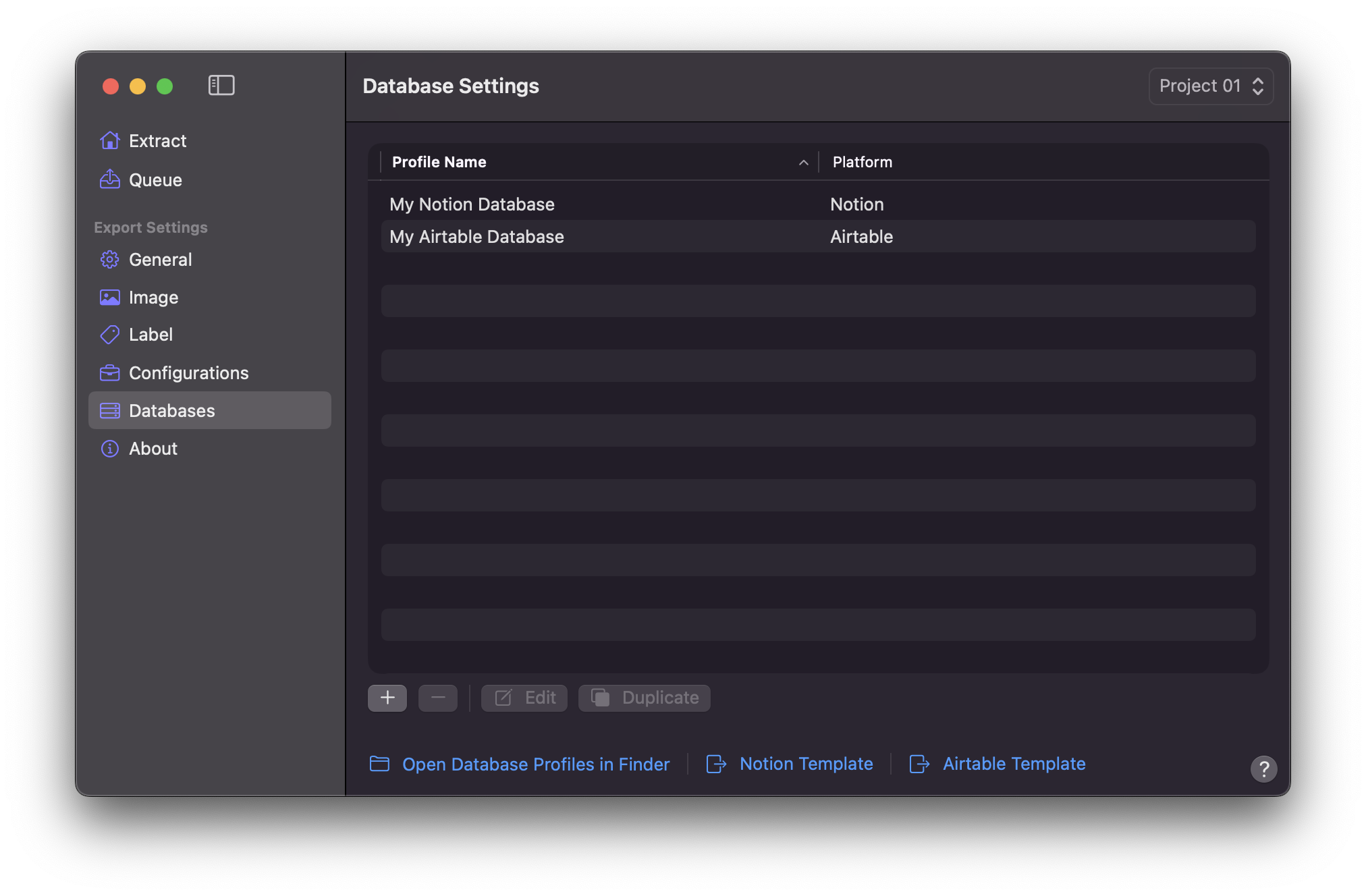
- Native integration with renowned databases such as [Notion](https://www.notion.so) and [Airtable](https://www.airtable.com).
- Effortlessly synchronise Final Cut Pro's Marker metadata to cloud databases with a single click.
- Versatile features for batch burning-in labels, embedding comprehensive metadata of each Marker onto stills or animated GIFs.
- Comprehensive timeline functionality, encompassing support for timelines such as Projects and Compound Clips.
- Allows the creation of multiple configurations tailored to diverse project requirements.
- Harnesses the potential to utilise Captions as Markers, adding a layer of flexibility.
- Convert Markers into shareable, professional PDFs via Pagemaker.
- Written in Apple Swift language and SwiftUI framework.
- Application is Notarised by Apple.
## Available Extract Profiles
- Notion (JSON)
- Airtable (JSON)
- Comma-separated values (CSV) - Compatible with spreadsheet applications
- Tab-separated values (TSV) - Compatible with spreadsheet application
- Microsoft Excel (XLSX)
- YouTube Chapters (TXT)
- Compressor Chapters (TXT)
- Markdown List (MD)
- SubRip Subtitle (SRT)
- Standard MIDI File - Compatible with most audio DAWs
## Demo
==- Send to Notion
==- Send to Airtable
==- Send to Logic Pro
==- Send to Excel
==- Create YouTube Chapters
==- Creating Shot Library
==- Creating PDF
==- Utilising Workflow Extension
==- Queue in Action
===
## Screenshot
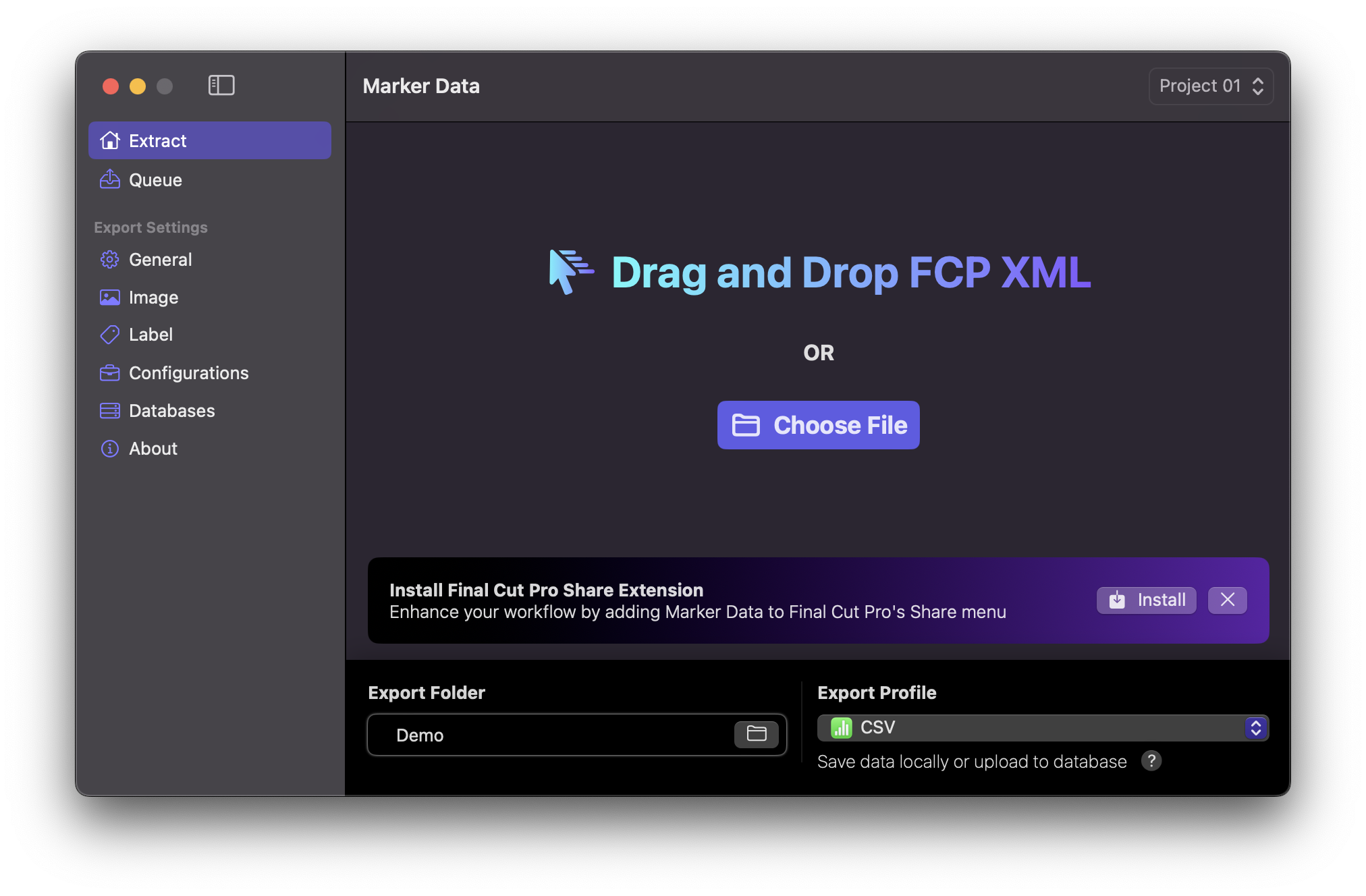
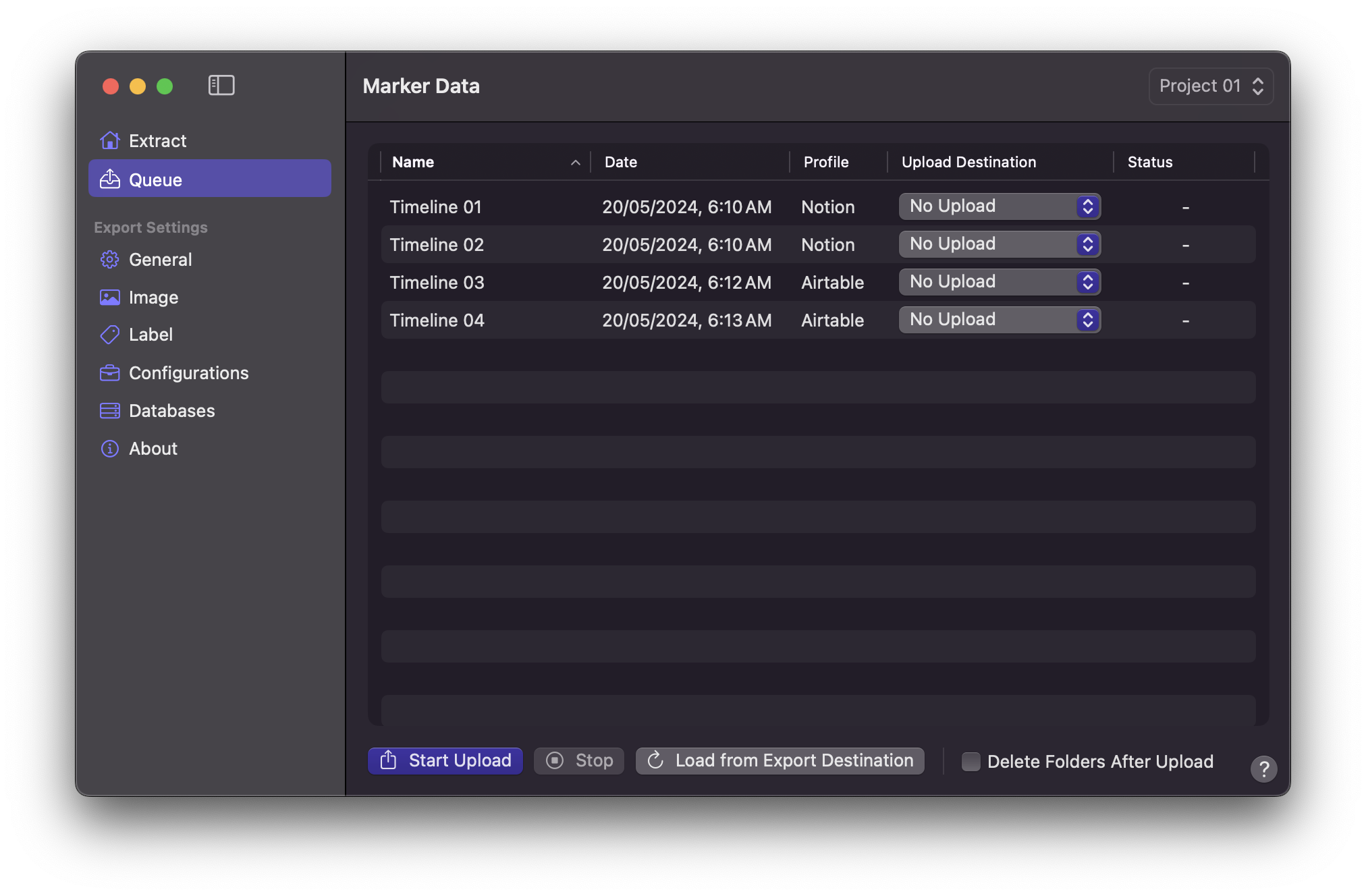
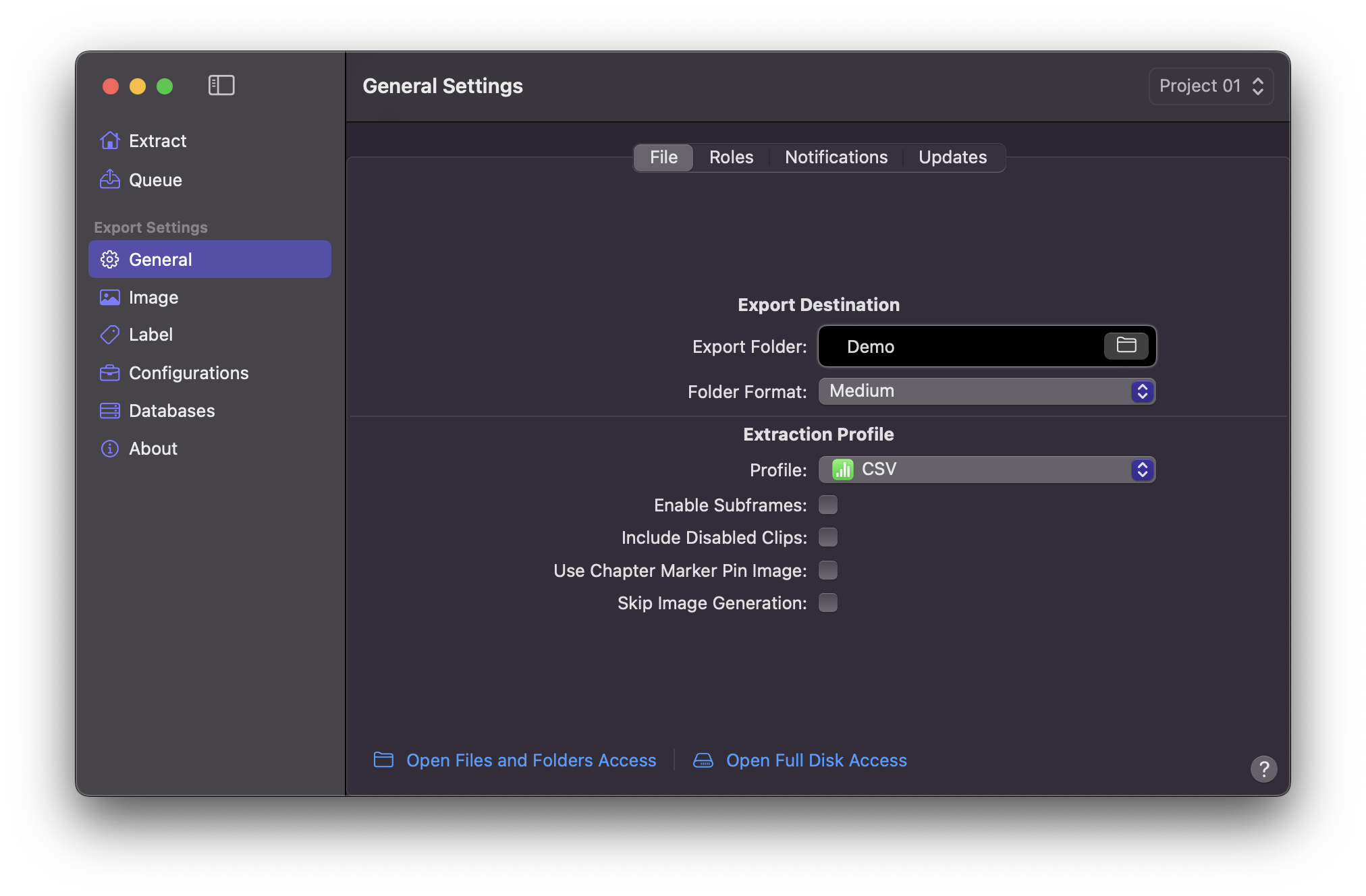
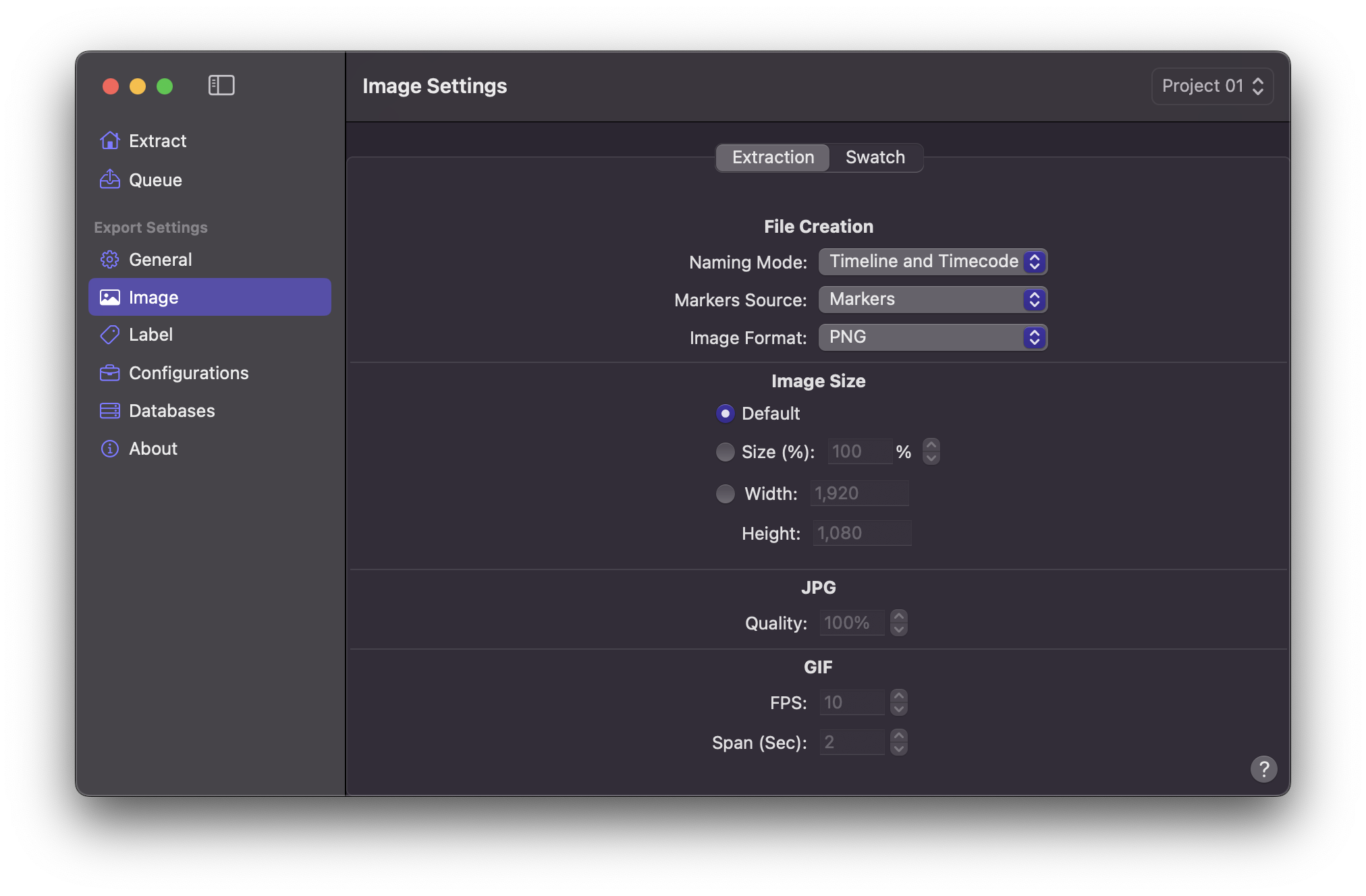
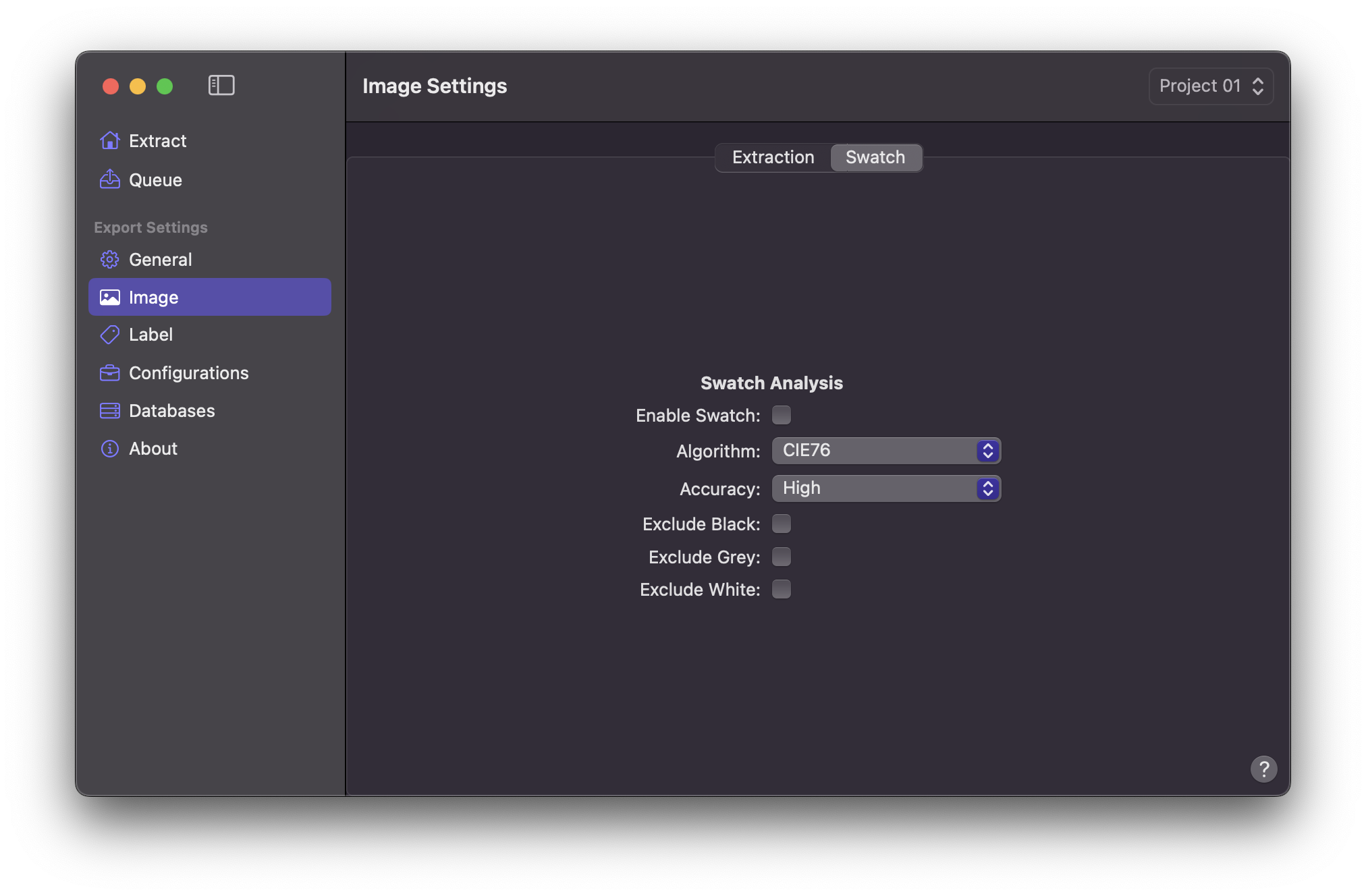
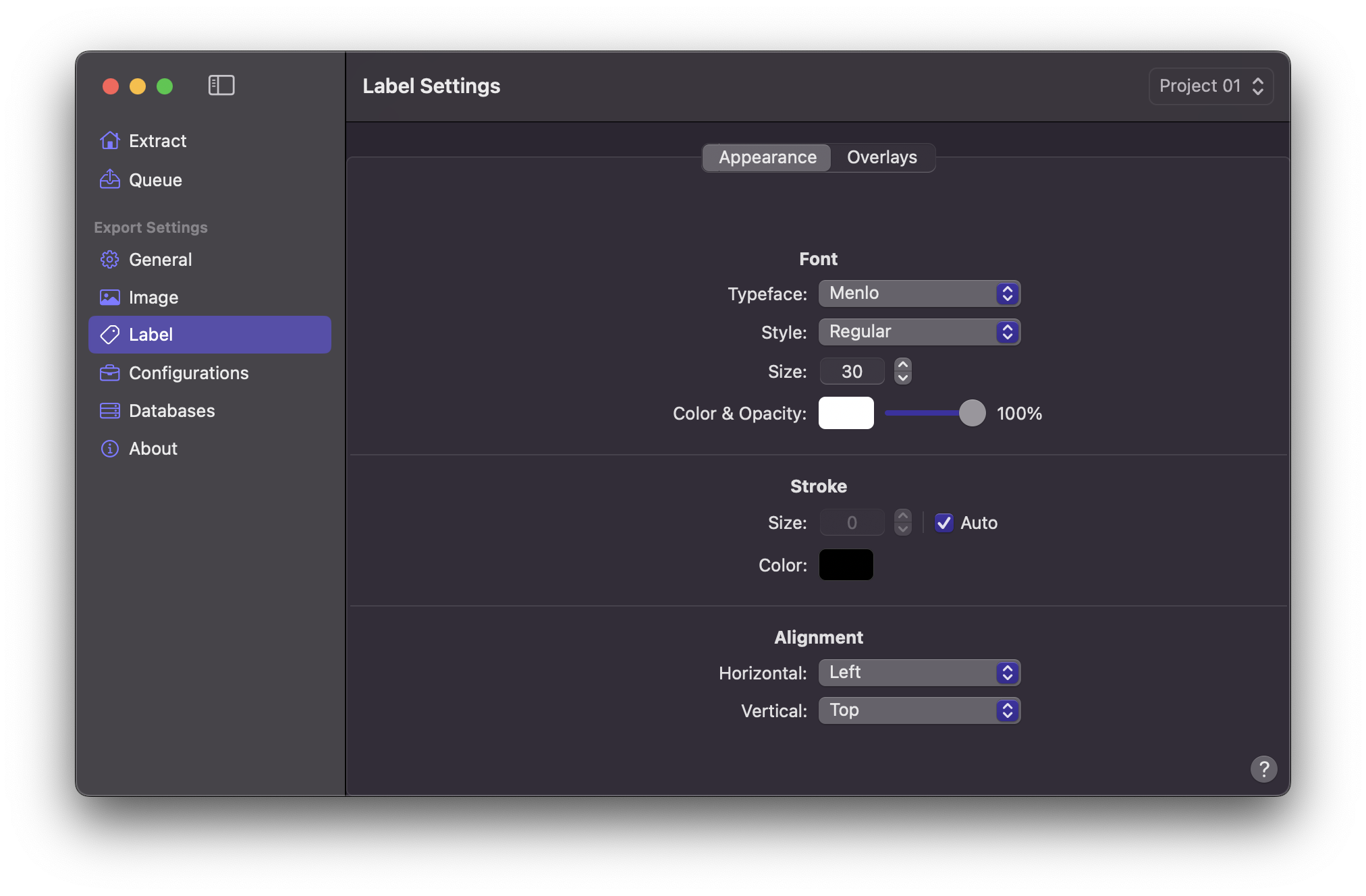
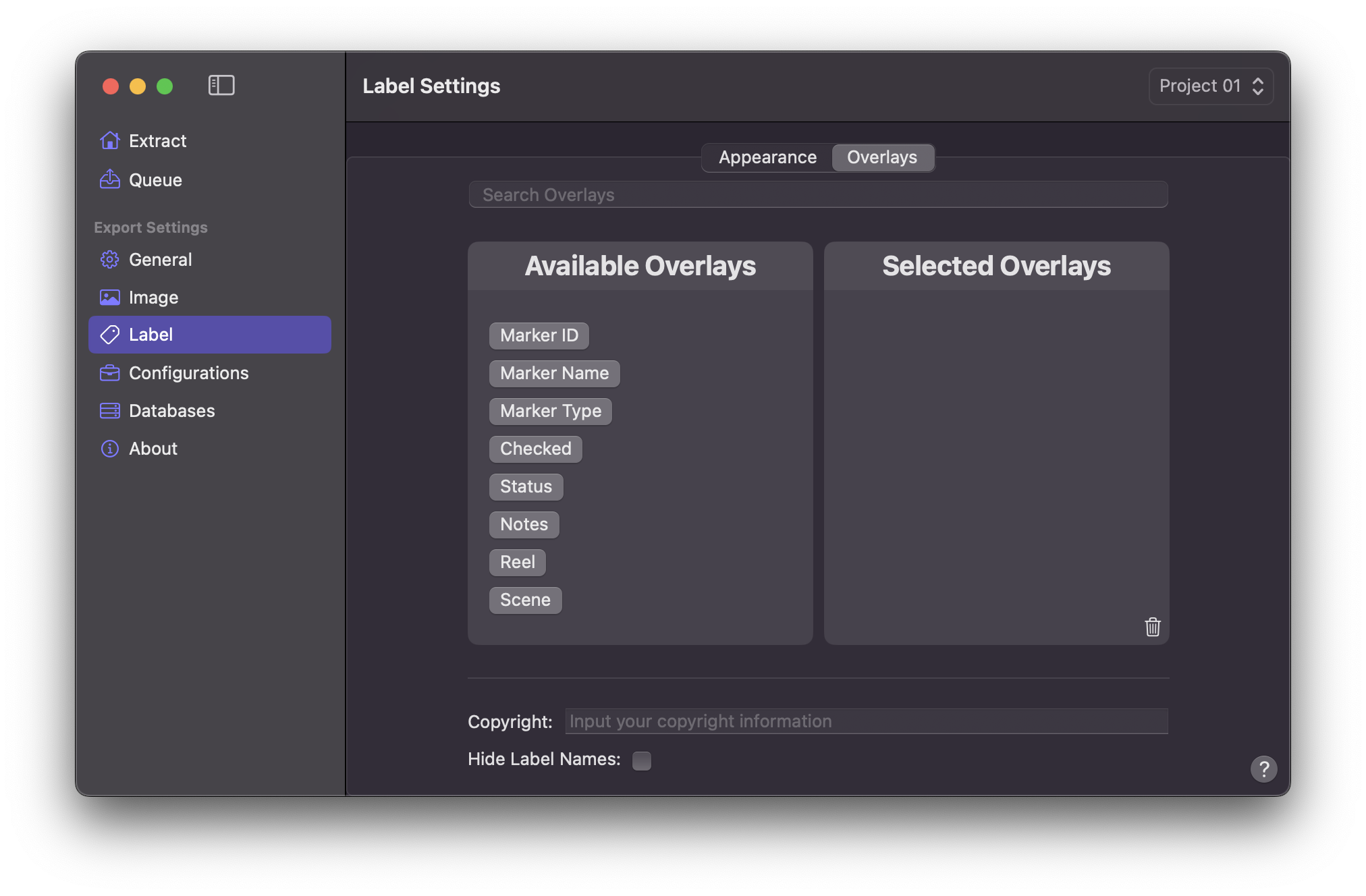
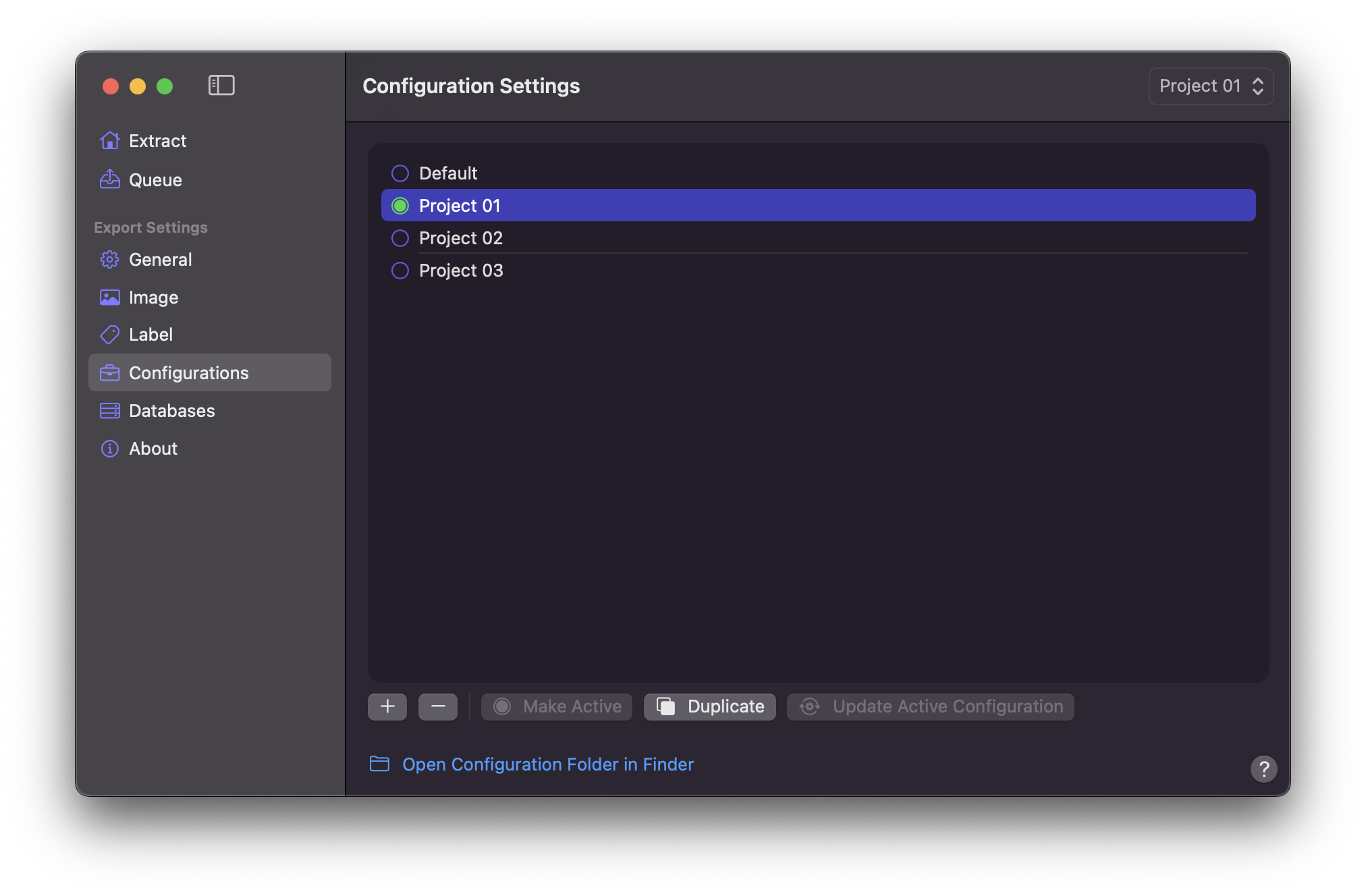
## System Requirements
macOS Sequoia 15.7 or later
Final Cut Pro 12.0 (Lifetime / Perpetual Version) or later
Final Cut Pro Creator Studio 12.0 (Subscription Version) or later
Runs only on Apple silicon Macs
Internet connection is necessary for some modules and functionality
## Use Cases
- Marker Notes Database
- Shot Library Database
- VFX Database
- ADR Database
- Stock Footage Database
- Music Cue Sheet Database
- Colourist’s Notes Database
- Client Review & Tracking Database
- Offline & Online Notes Database
- Send Final Cut Pro's Markers to DAWs
- Create YouTube Chapters
- Create PDFs via Pagemaker
## Support
Technical support questions are best asked in the [Discussions](https://github.com/TheAcharya/MarkerData/discussions).
For bug reports, feature requests and other suggestions you can create a new [issue](https://github.com/TheAcharya/MarkerData/issues) to discuss.
!!!
Some images and videos on this documentation site may reflect earlier versions of the application and macOS. Features, layout, or functionality may have changed in recent updates.
!!!